Answer in 100 ms
The press finishes inside 0.1 s. No action waits for an animation.
Game UI a thumb can play.
Divine Rush: Flock of Light is an iPhone action game I'm building solo in Unity. This case study is about its UX and UI: controls sized by real use, one button language, dialogue that never blocks, and menus that read at a glance.
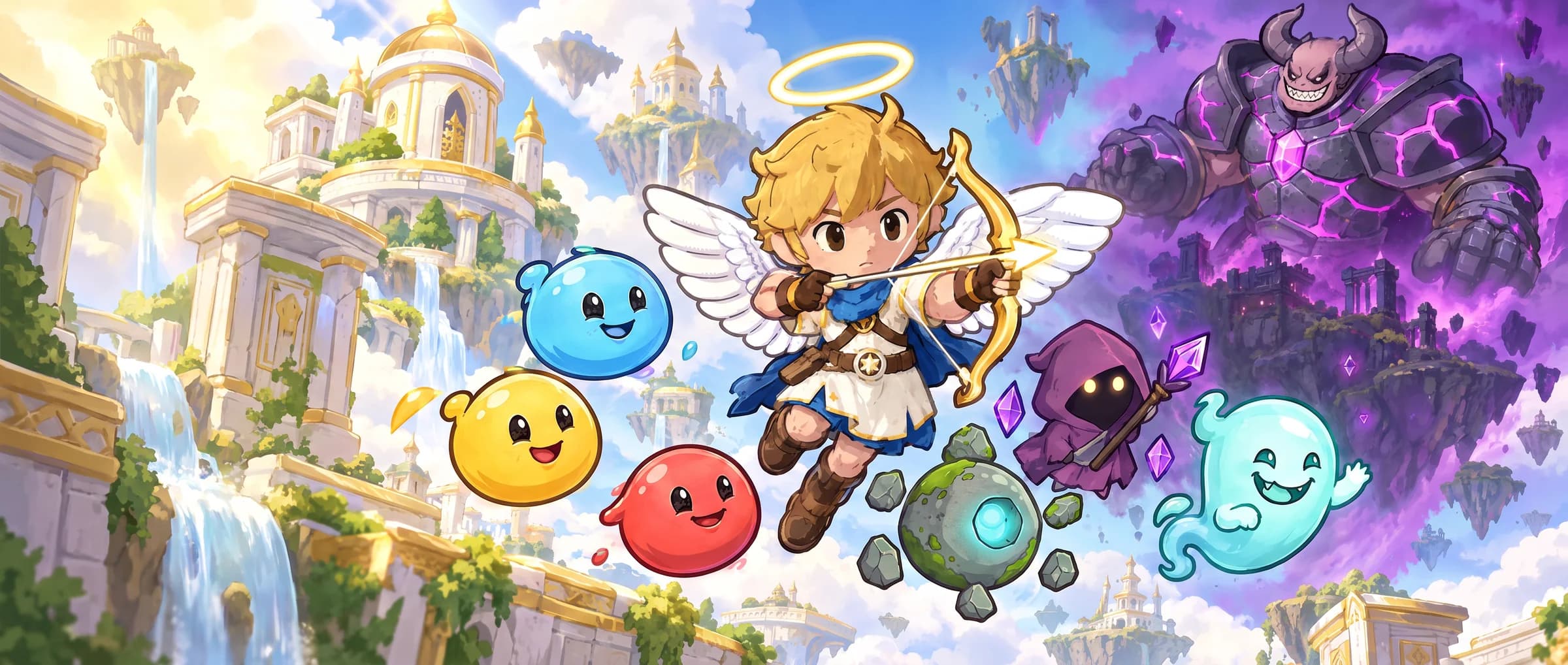
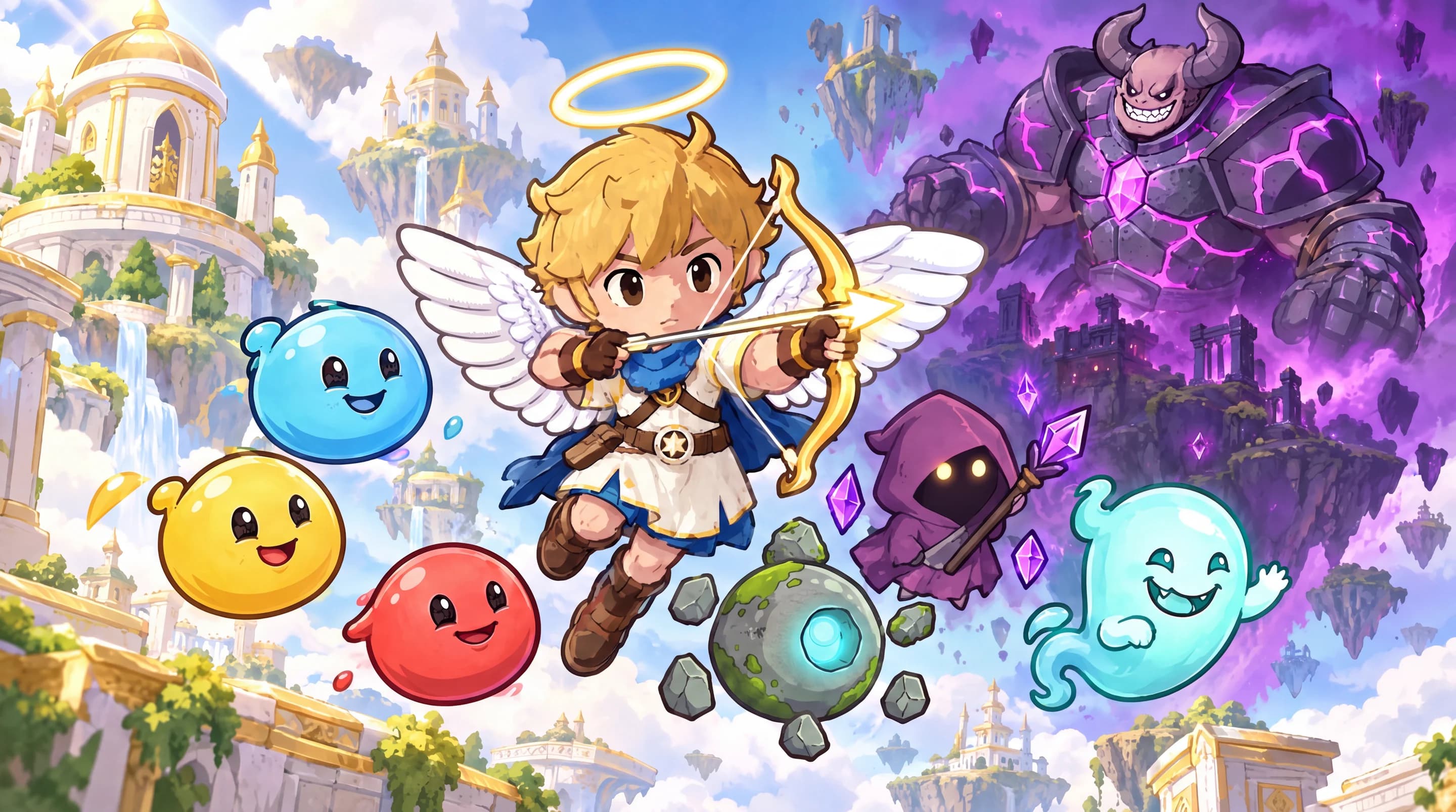
Seraph, a little angel archer, flies with his friends toward the Sky Temple while Gorvok’s purple mist spreads through the clouds. Shoot, dodge, call your wingmates, and keep going.
Level one, captured from the gameButtons are sized by how often they are pressed, not by how important they sound.
| Move | Old row | Cluster |
|---|---|---|
| Dodge → Catch | 2.16 bits | 1.16 bits |
| Dodge → Nova | 1.73 bits | 1.16 bits |
| Dodge → Volley | 1.11 bits | 1.16 bits |
Fitts’ index of difficulty, log₂(D/W + 1). Lower is easier.
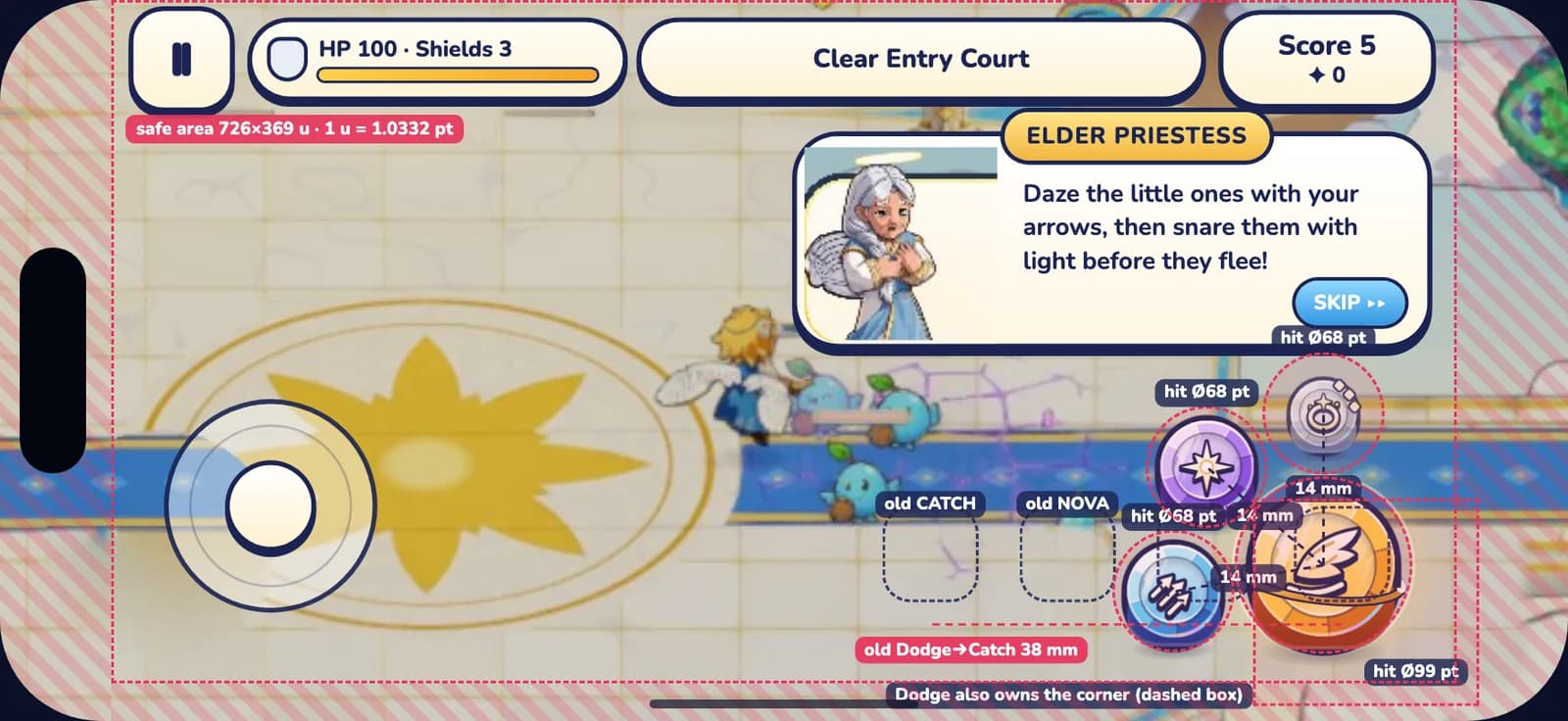
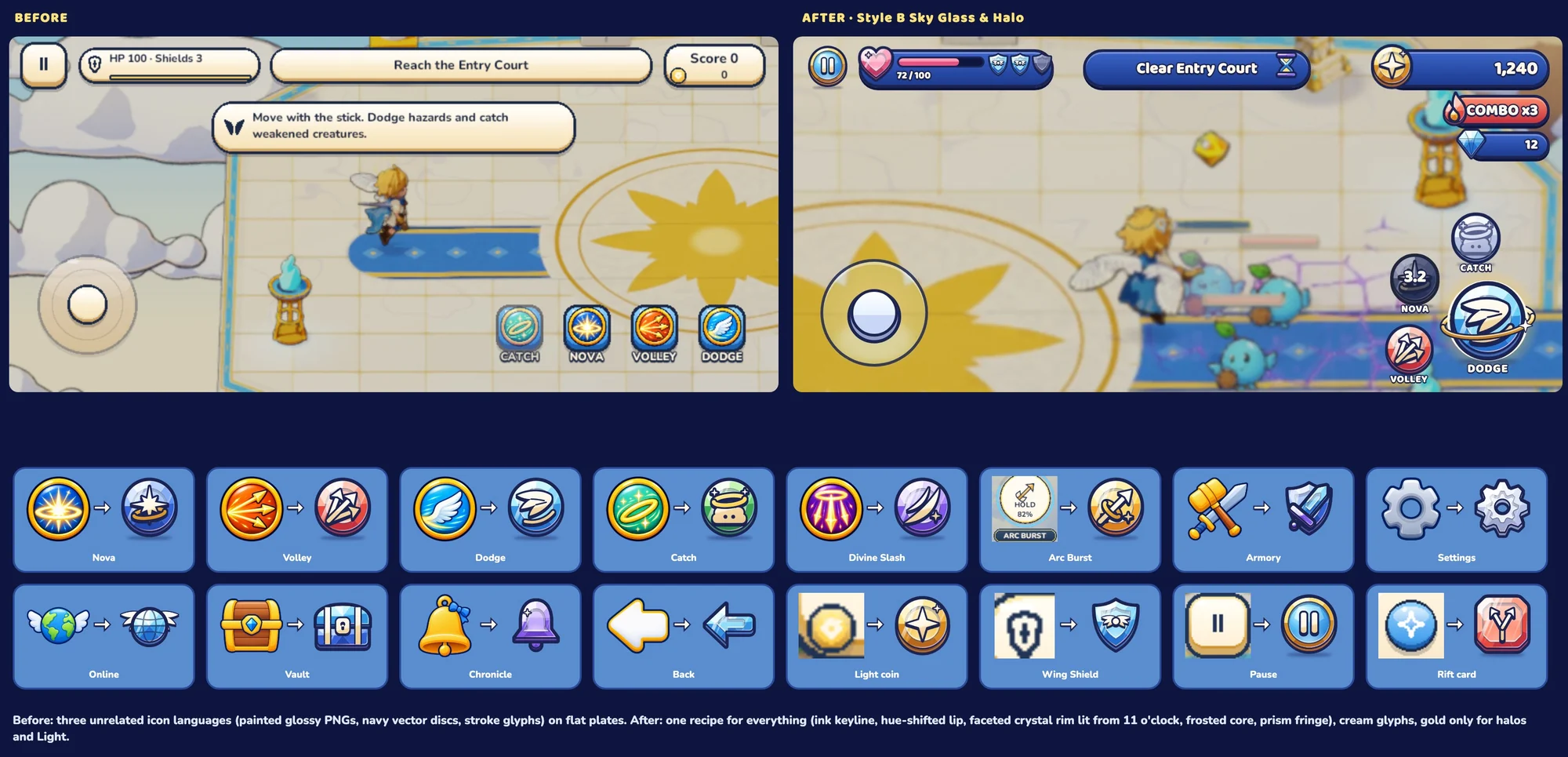
Shipped in level one: Dodge on a 58 pt circle and Arc Burst on 84 pt, with HOLD and cooldown on a separate label. Every active button is at least 44 pt.
The cluster above is the HUD spec for the temple level, drawn over a real capture. The phone shows the controls that shipped.
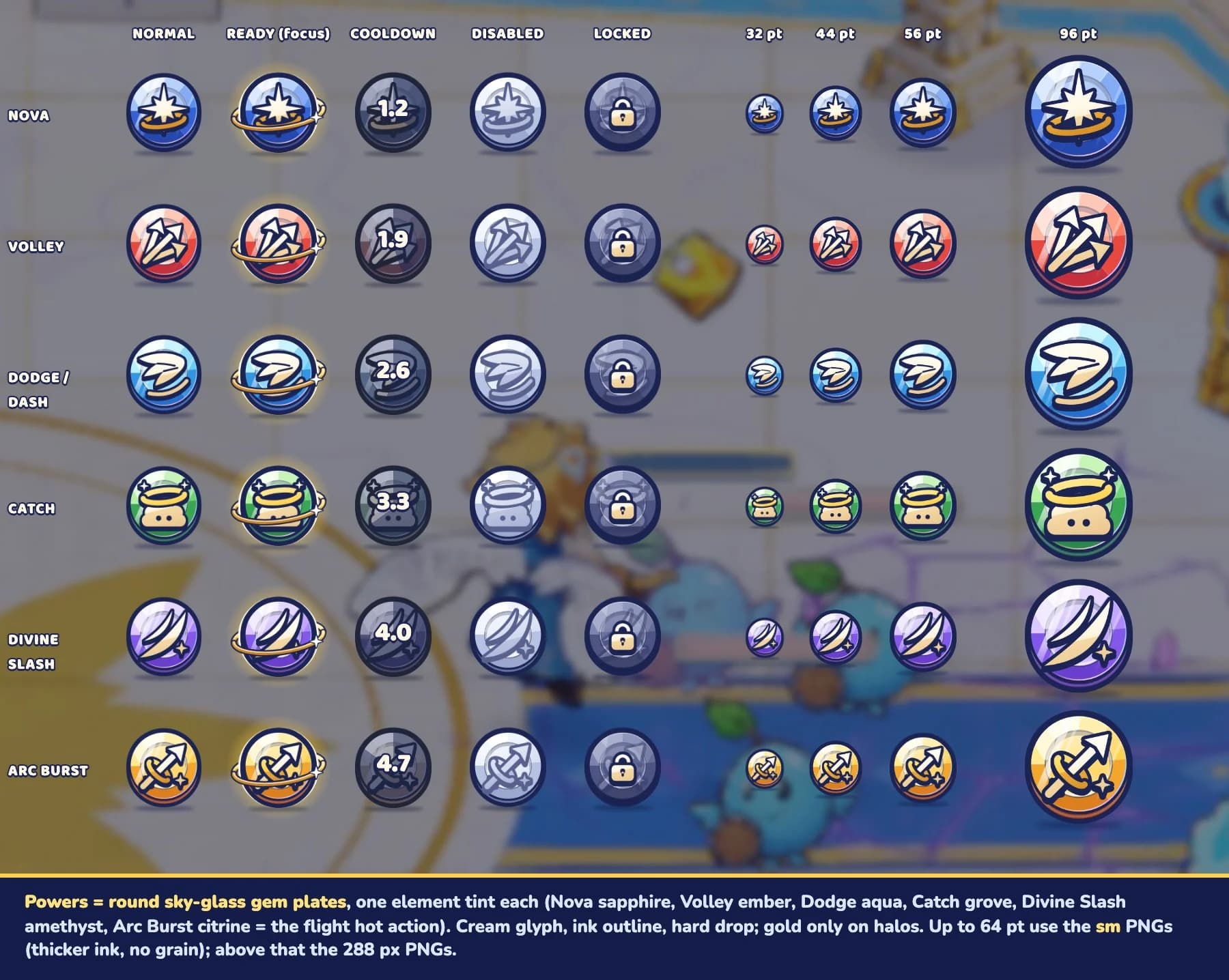
Normal, ready, cooldown, disabled and locked, for every power, from 32 to 96 pt.
The press finishes inside 0.1 s. No action waits for an animation.
Press to 0.92–0.95, confirm pop to 1.08–1.12. The old 0.97 press was too small to feel.
Sun-gold marks the one best action. Everything else stays calm.
Disabled shakes and says why. Locked shows a plate and unlocks with a moment.
No see-through windows behind text, so labels stay readable over busy skies.
Scale, spin and trails become colour and opacity changes. Sound and haptics stay.
0.93 on press, a 10% overshoot on release.
One hero, four wingmates and the villain who started it all.
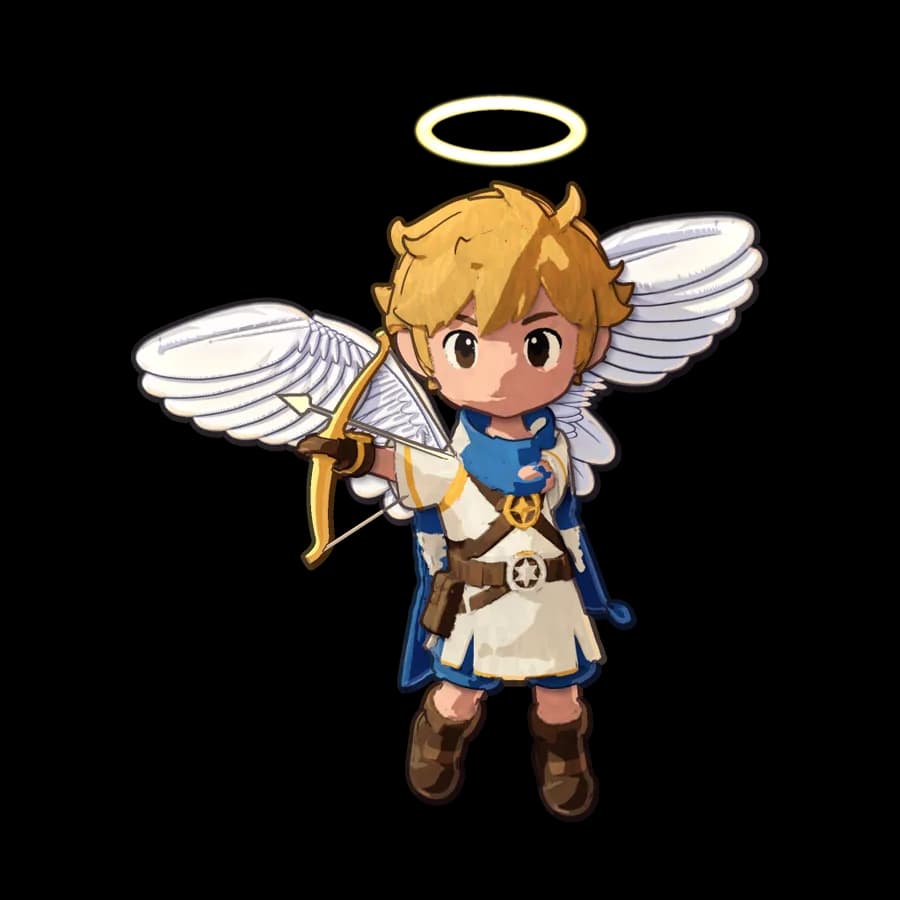
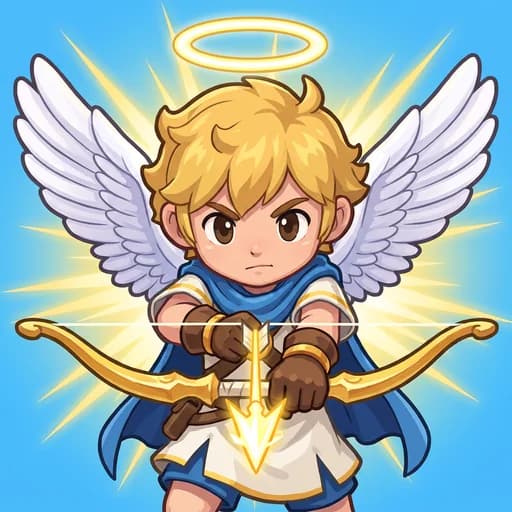
A blond chibi angel with a golden halo, a blue scarf and a golden bow. Every other character is designed to look like his family.
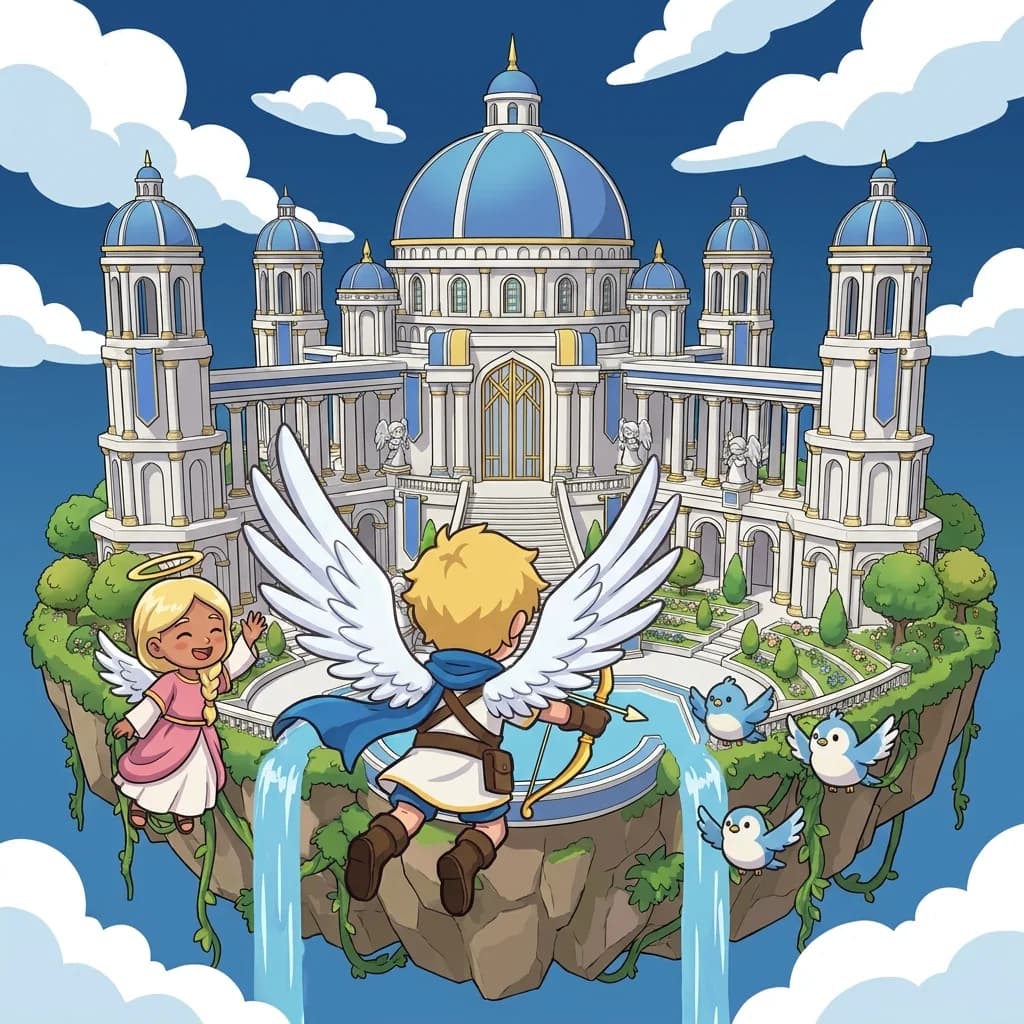
The Sky Temple starts small on the horizon and grows as the level goes on, so the goal itself is the progress bar. The top bar keeps only health, diamonds and pause.
Four wingmates fly in one at a time, each with a power you can tell apart at a glance. They clear part of a wave and always leave the rest for you, and their talk cards sit at the top, clear of Seraph and your thumbs.
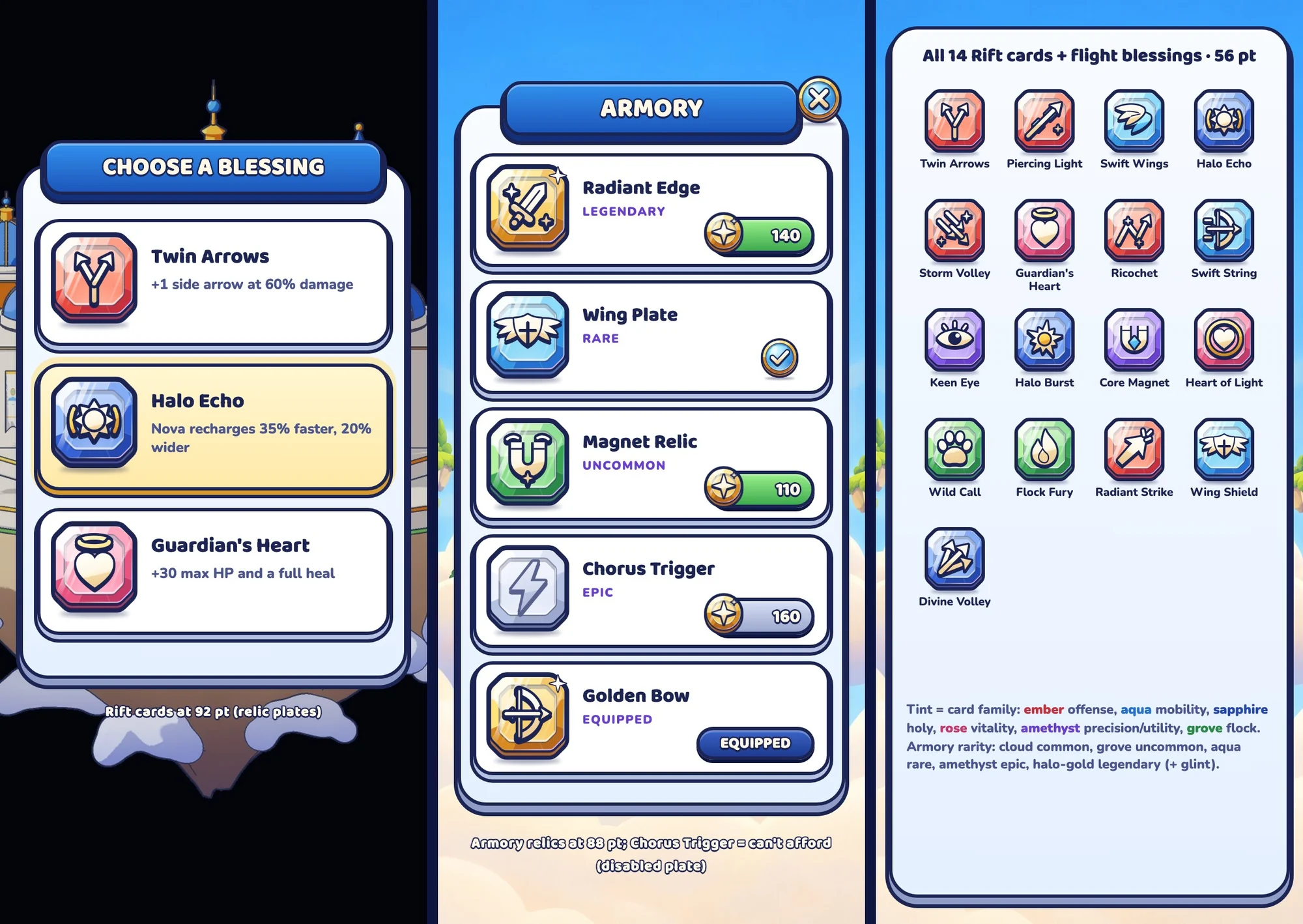
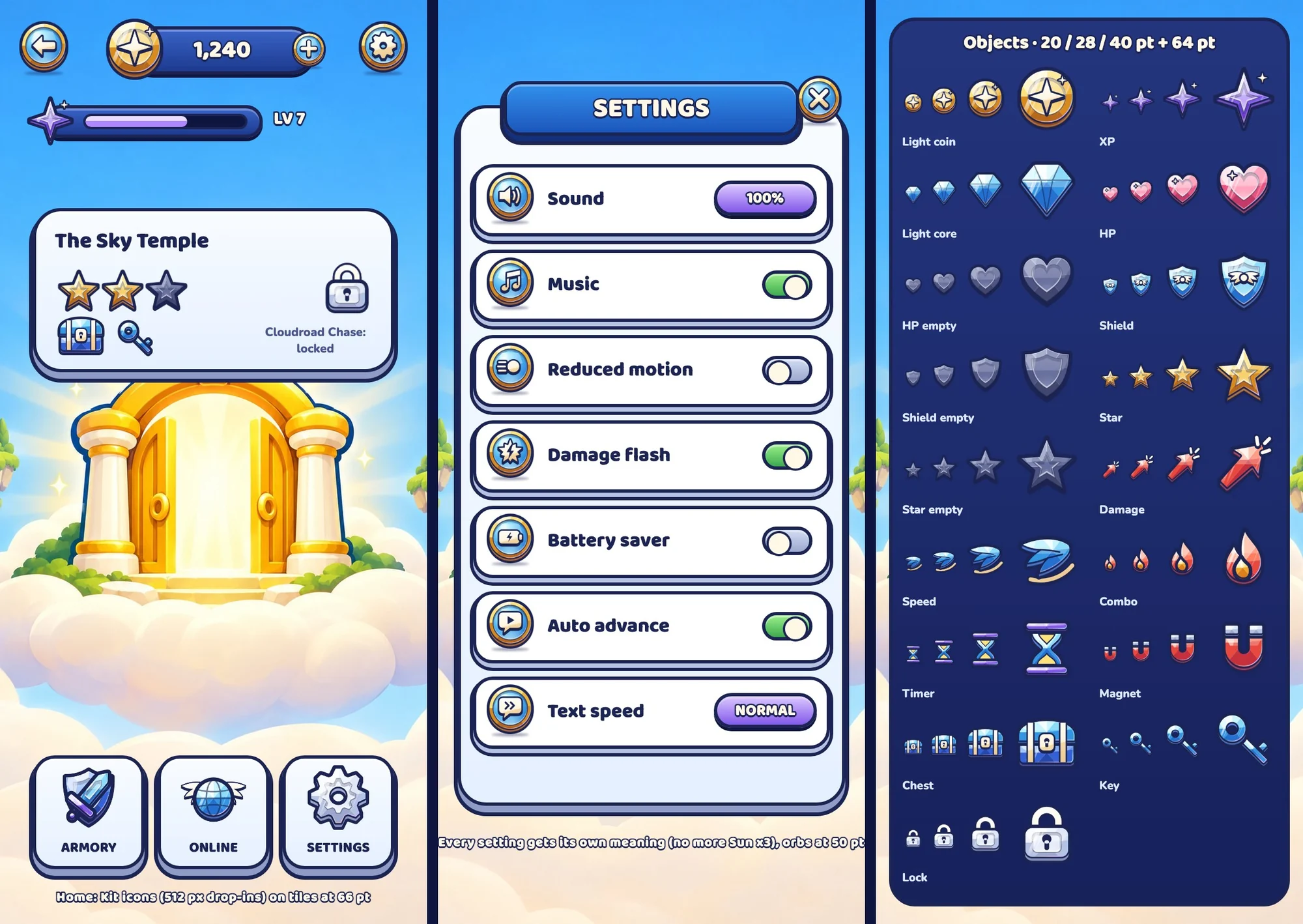
Painted ivory, azure and honey-gold icons on warm paper. One primary button per screen, labels never baked into art, and every label checked for overflow on real screenshots.
Rarity is a tint and a frame, never just a word. Settings include reduced motion, damage flash and text speed.
Twelve creatures, designed with their evolutions: a Puffling can become an Emberpuff or a Goldpuff.
 Puffling
 Emberpuff
 Goldpuff
 Pebblet
 Boulderkin
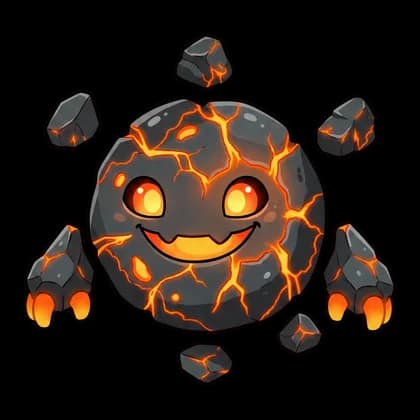 Magmaw
 Hoodling
 Stormseer
 Wisplet
 Lumen Wisp
 Manta Pup
 Little Warden
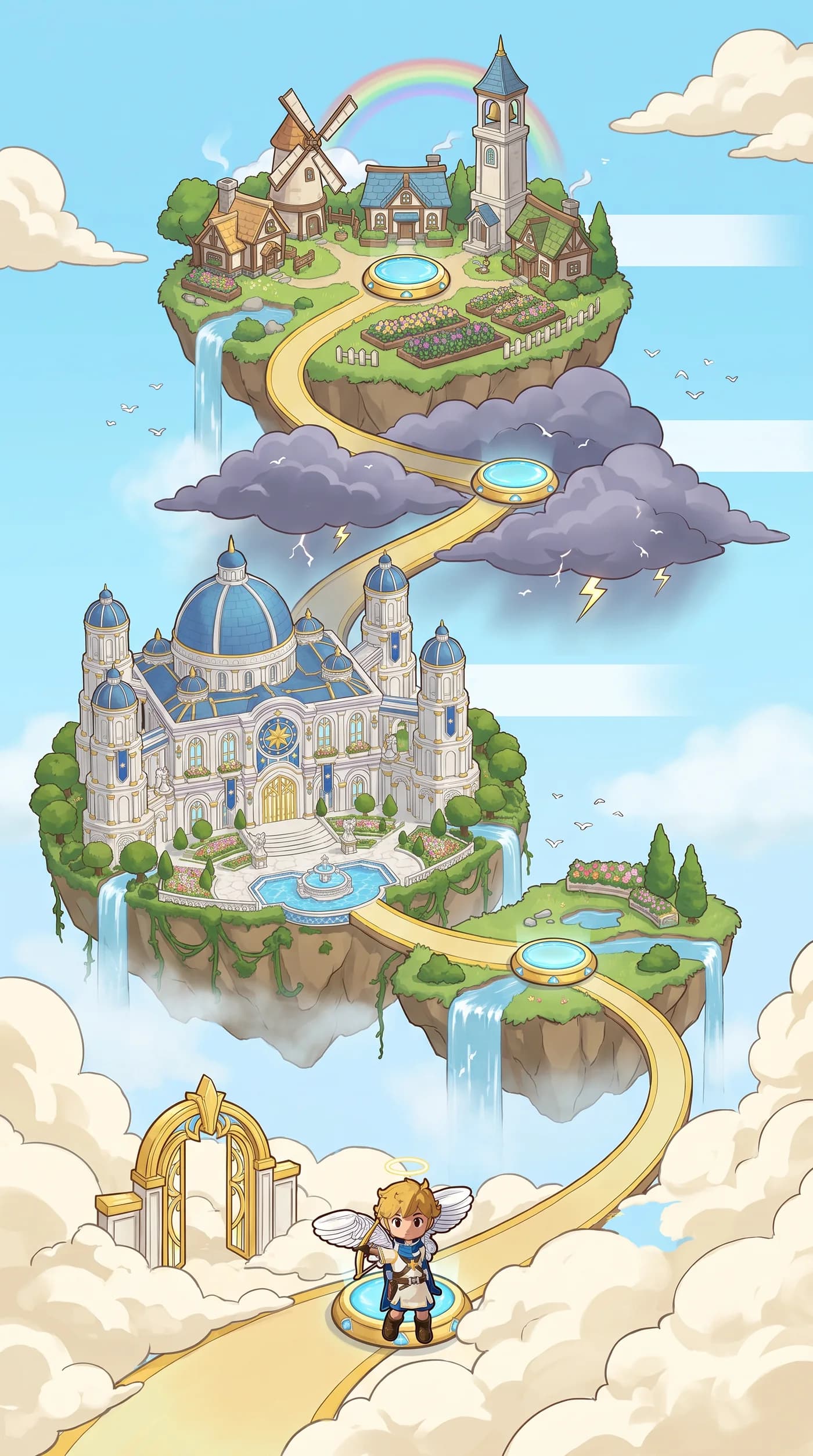
The first world map: islands linked by a golden path, from the gate to the temple.
How the game is being made, one decision at a time.